

Need to cancel a class?
Plans change -Please make sure you cancel your class
within 12 hours of the start time to
avoid losing your class credit or incurring a penalty
cancel a class from your mobile or desktop
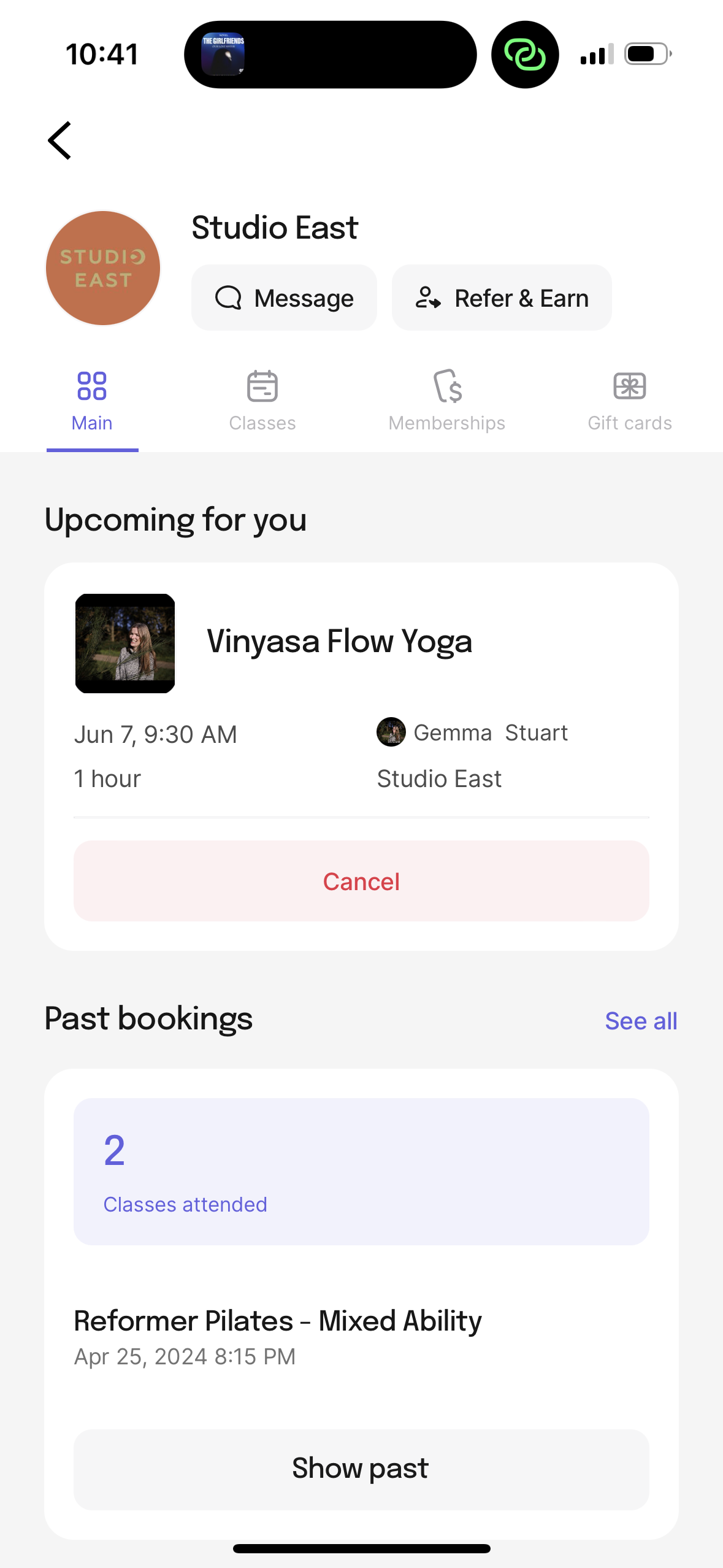
From mobile, login to the app.
You'll immediately see your upcoming classes.
Use the red cancel button.
From your desktop, login to your account. You'll immediately see your upcoming classes.
CLICK ON THE THREE DOTS to find the cancel button.
